
.svg?fit=max&auto=format&n=LzQ8KQMy251LcDBV&q=85&s=eb11cec78798c46ce07564be60eadc82)
Problem: Testing views in remote MCP Clients (e.g. ChatGPT, Claude, etc.) is slow. It requires HTTP tunneling, manual refreshes, and provides limited debugging feedback. Solution: Skybridge includes DevTools and a Vite HMR plugin that let you develop views entirely on your machine with instant feedback.Documentation Index
Fetch the complete documentation index at: https://docs-staging.skybridge.tech/llms.txt
Use this file to discover all available pages before exploring further.
The Challenge
When building Apps the traditional way, your development loop looks like:- Make a code change
- Restart your server
- Start the tunnel
- Go to Claude or ChatGPT dev mode
- Trigger the tool manually by chatting
- Wait for the view to load
- See if your change worked
- Repeat
The Skybridge Approach
With Skybridge, the loop becomes:- Make a code change
- See it instantly in your browser
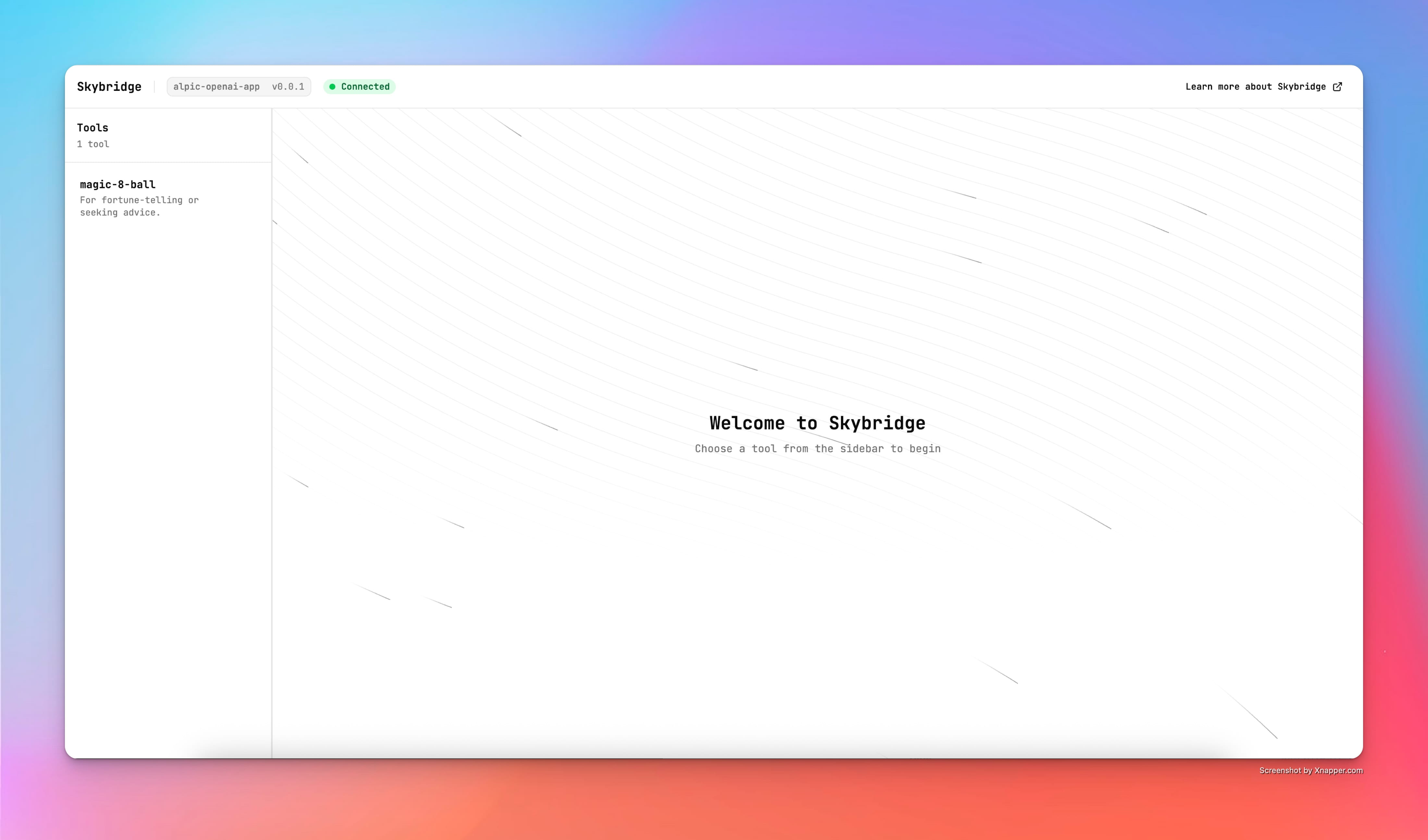
DevTools
When you runpnpm dev, Skybridge starts:
- Your MCP server at
http://localhost:3000/mcp - DevTools UI at
http://localhost:3000/
- Tool listing - See all registered tools and views
- Input forms - Test tools with custom inputs
- View preview - Render views in a mocked Apps SDK (ChatGPT) environment
MCP Apps and DevToolsDevTools uses the Apps SDK runtime (mocked
window.openai). MCP Apps view rendering is not yet supported in DevTools. For MCP Apps, use DevTools for tool development and UI logic; validate views in a real client (e.g. Goose, Claude) before shipping. See DevTools Guide and Test Your App.Full DevTools GuideFor comprehensive documentation on all DevTools features, including view inspection, MCP client logs, and custom integration, see the DevTools Guide.
HMR with Vite Plugin
Skybridge includes a Vite plugin that enables Hot Module Replacement for views:- Auto-discovers views in
src/views/(both flat files and directories) - Enables HMR so changes appear instantly without page reload
- Transforms
data-llmattributes at build time - Configures build output with proper asset paths
Starter template requiredThese features require the Skybridge starter template structure (
pnpm create skybridge). If you’re adding Skybridge to an existing app, you’ll need to configure the Vite plugin manually.Automatic Environment Detection
Your view code works identically in ChatGPT, MCP Apps clients like Claude, and local DevTools. Skybridge detects the environment and uses the appropriate communication layer:| Environment | Communication |
|---|---|
| ChatGPT | window.openai API |
| MCP Apps (Goose, Claude, …) | MCP protocol via postMessage |
| DevTools | Mocked Apps SDK (postMessage) |
| You don’t need to know which is active—just use the hooks. |
When to Use What
DevTools (90% of development time)- Rapid UI iteration
- Testing tool inputs/outputs
- Debugging state management
- Day-to-day development
- Final integration testing
- Real LLM conversation flow
- Verifying
data-llmcontext - Pre-ship validation
DevTools Features
The DevTools UI includes:Tool Inspector
See all registered tools and their schemas. Click to fill input forms automatically.View Preview
Renders your view in an iframe with mockedwindow.openai. Supports:
- Theme switching (light/dark)
- Display mode switching (pip/inline/fullscreen)
- Locale changing
Response Inspector
View the full tool response includingcontent, structuredContent, and _meta.
Related
- DevTools Guide - Complete DevTools documentation and features
- Test Your App - Full testing workflow including ChatGPT and MCP Apps clients
- useLayout API - Access theme and layout info
- useCallTool API - Make tool calls from views